All work

LiveBridge

2025–2026, Mac app, web design

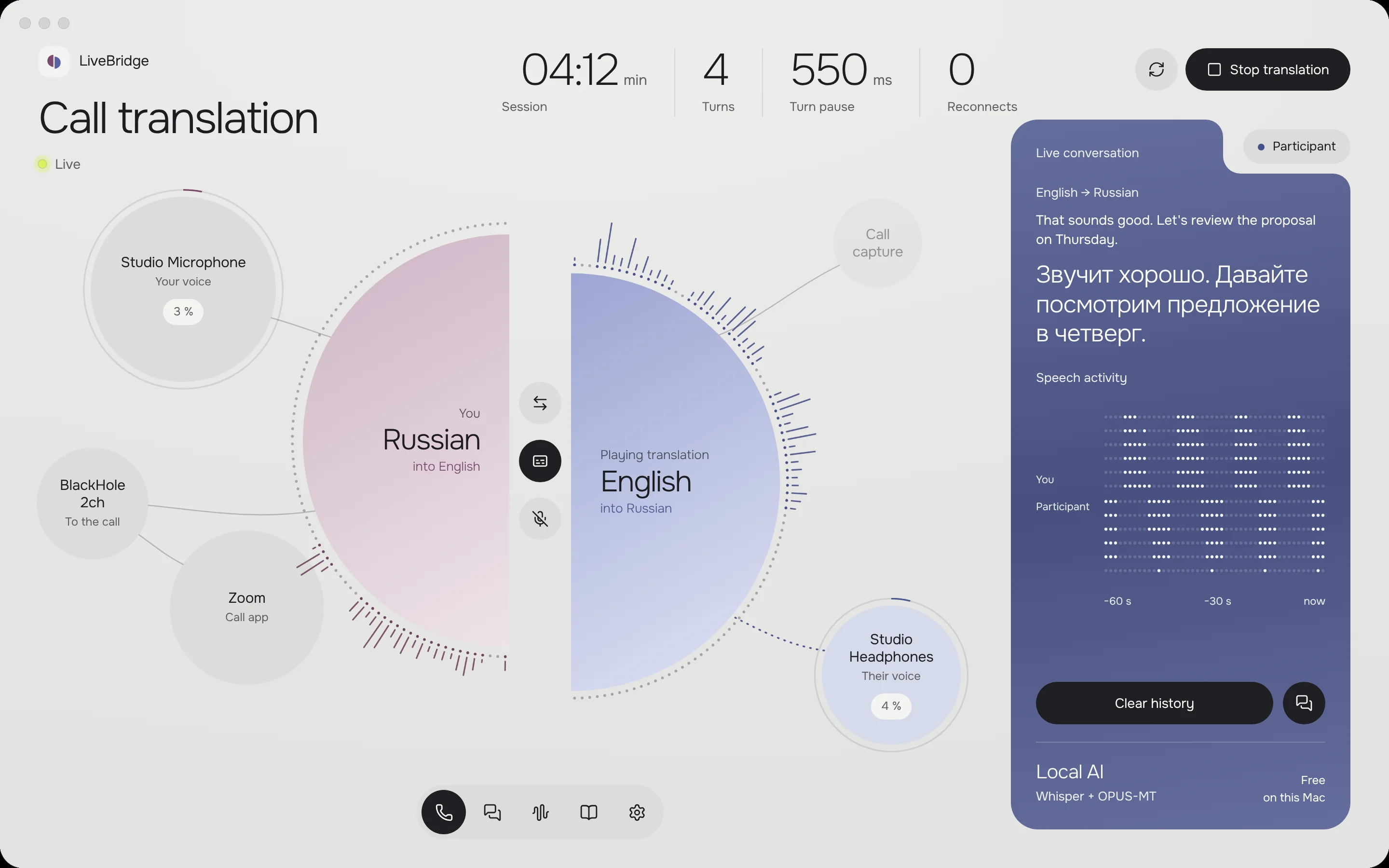
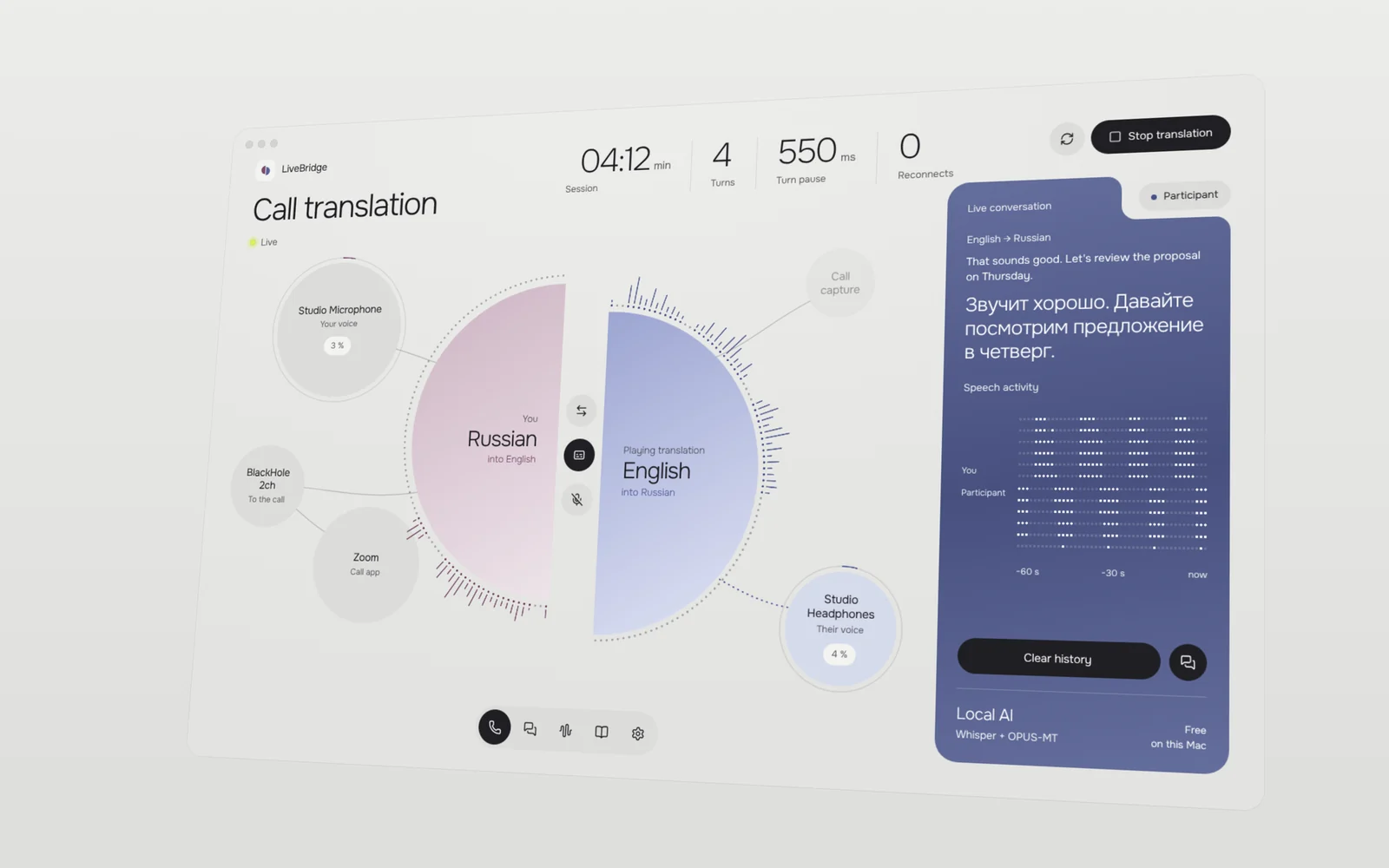
LiveBridge — the call translation screen

Voice translation for Mac calls and conversations. Your voice goes into the call in another language; the other person’s reply comes back in yours.

The app brings call translation, face-to-face conversation, voice previews and terminology settings into one interface. A companion website introduces the app.

LiveBridge in motion

Two voices, one conversation

The live call view separates your outgoing translation from the participant’s incoming reply.
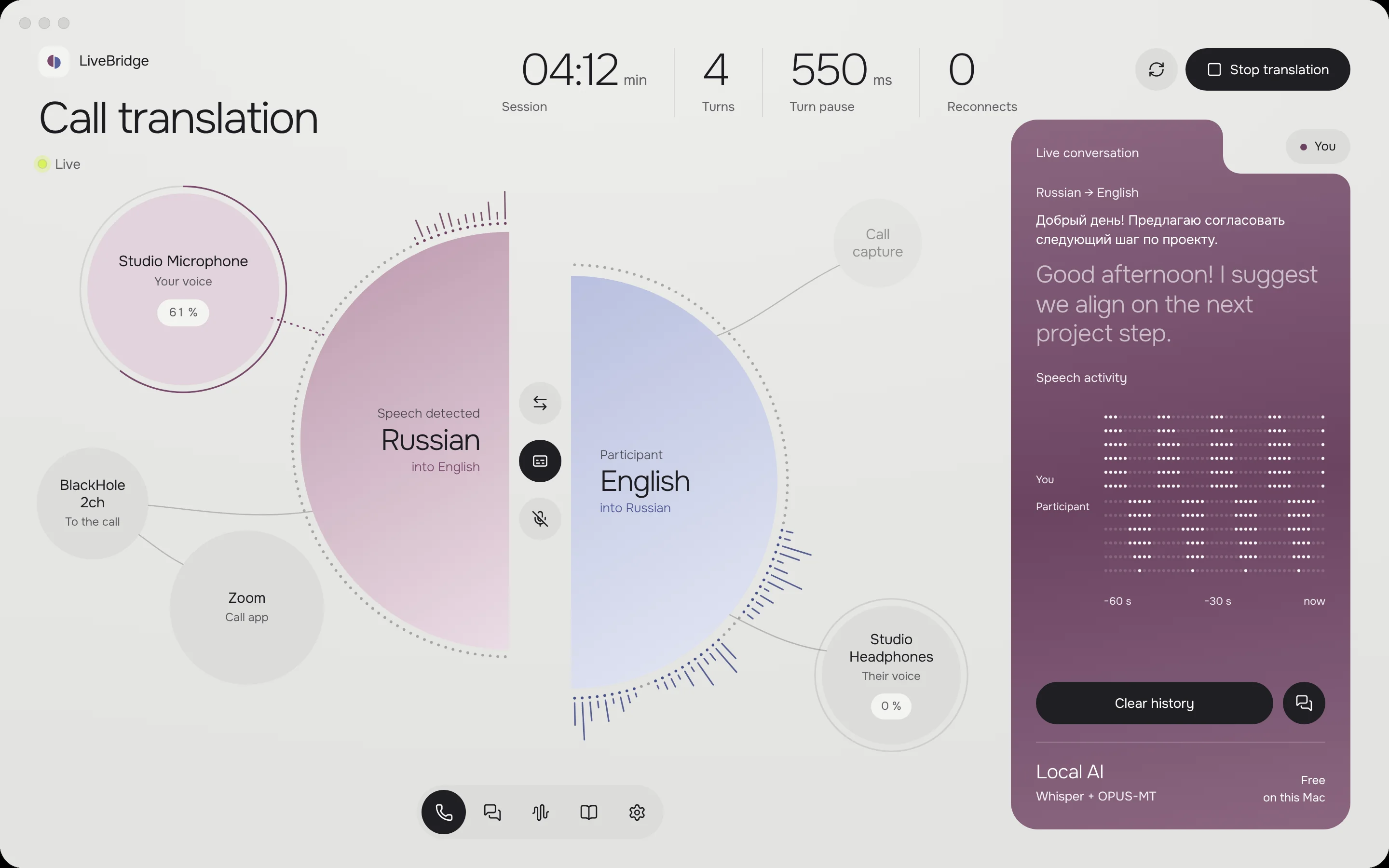
Your translated voice enters the call
The other participant’s translated reply plays through your headphones

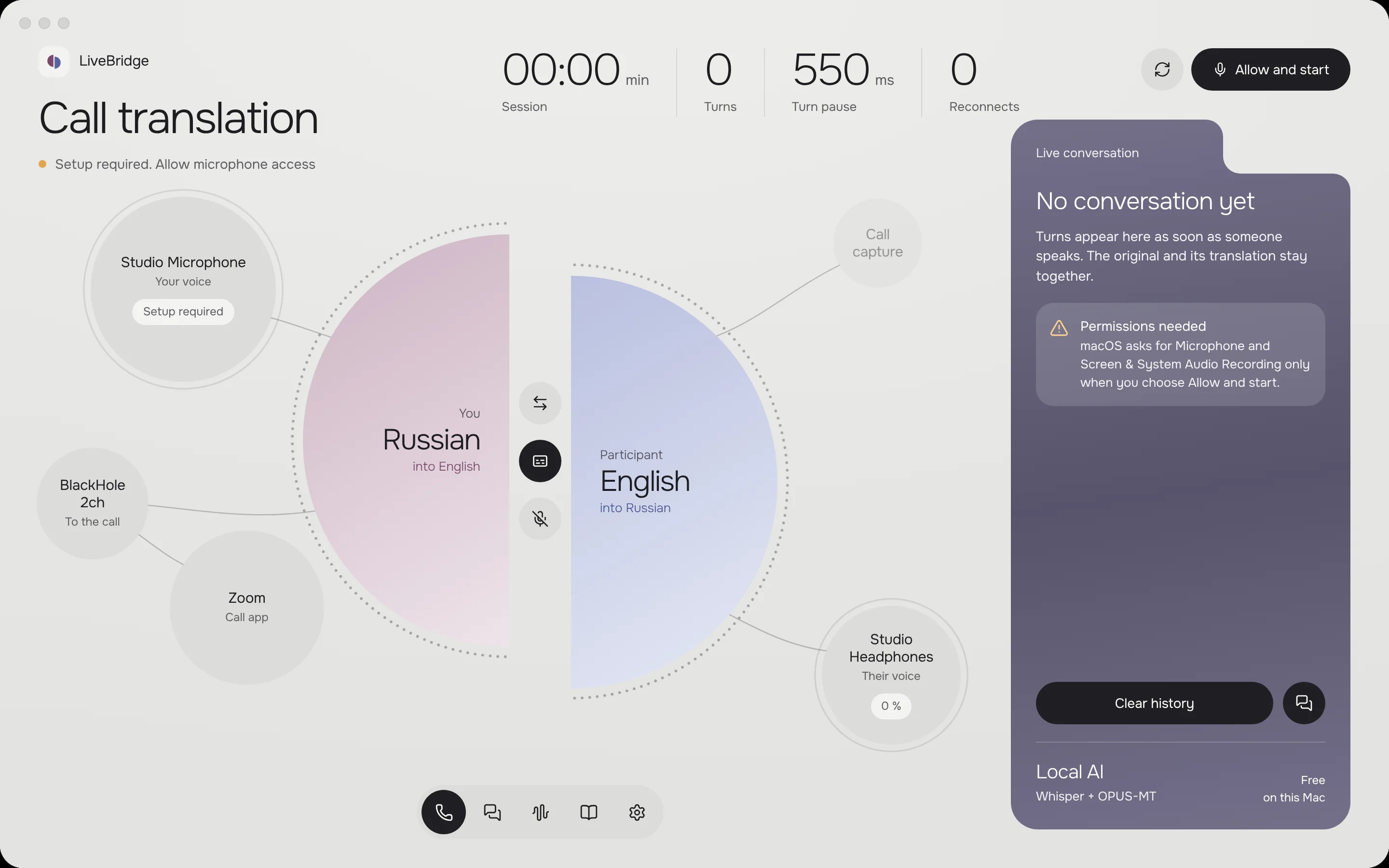
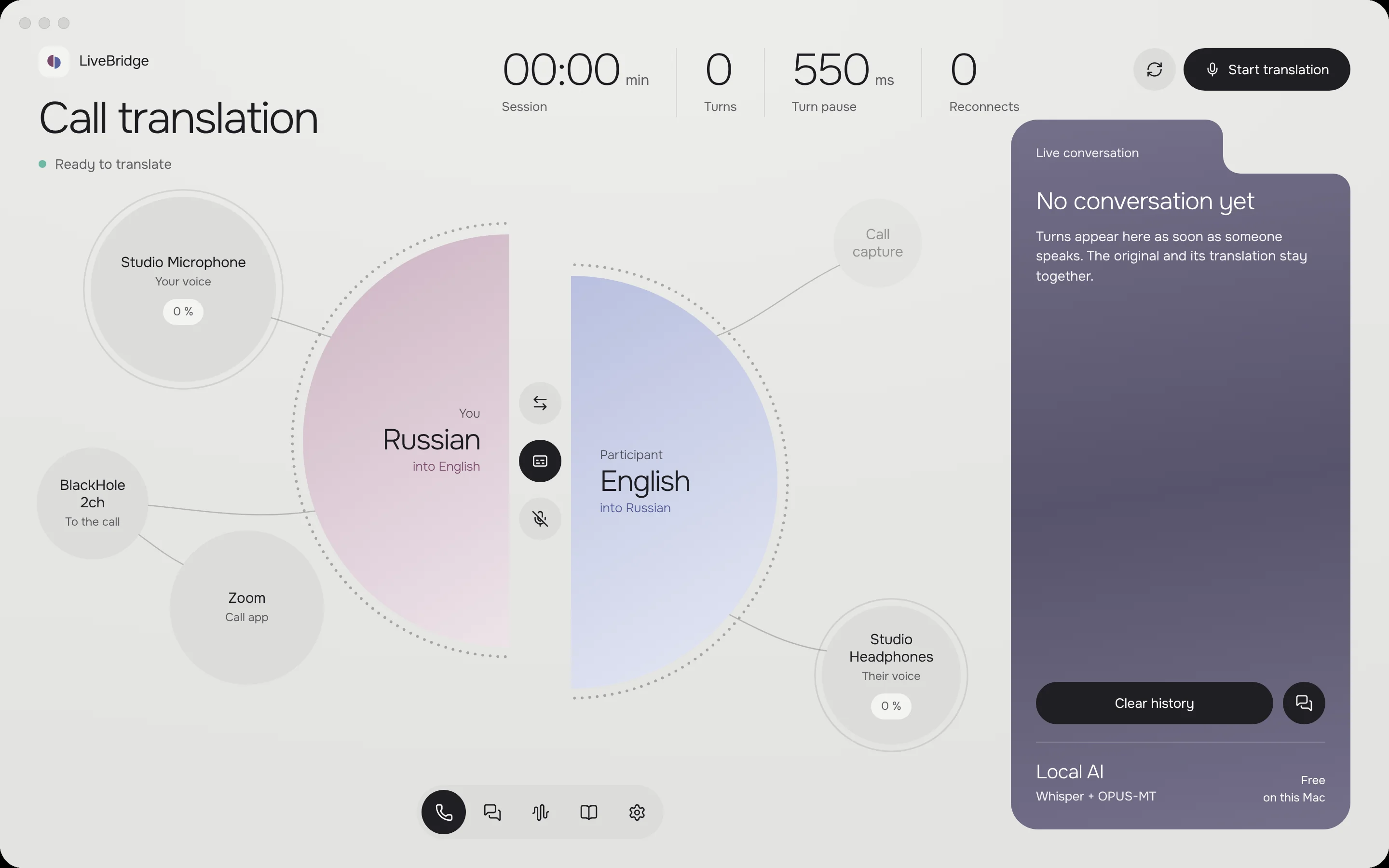
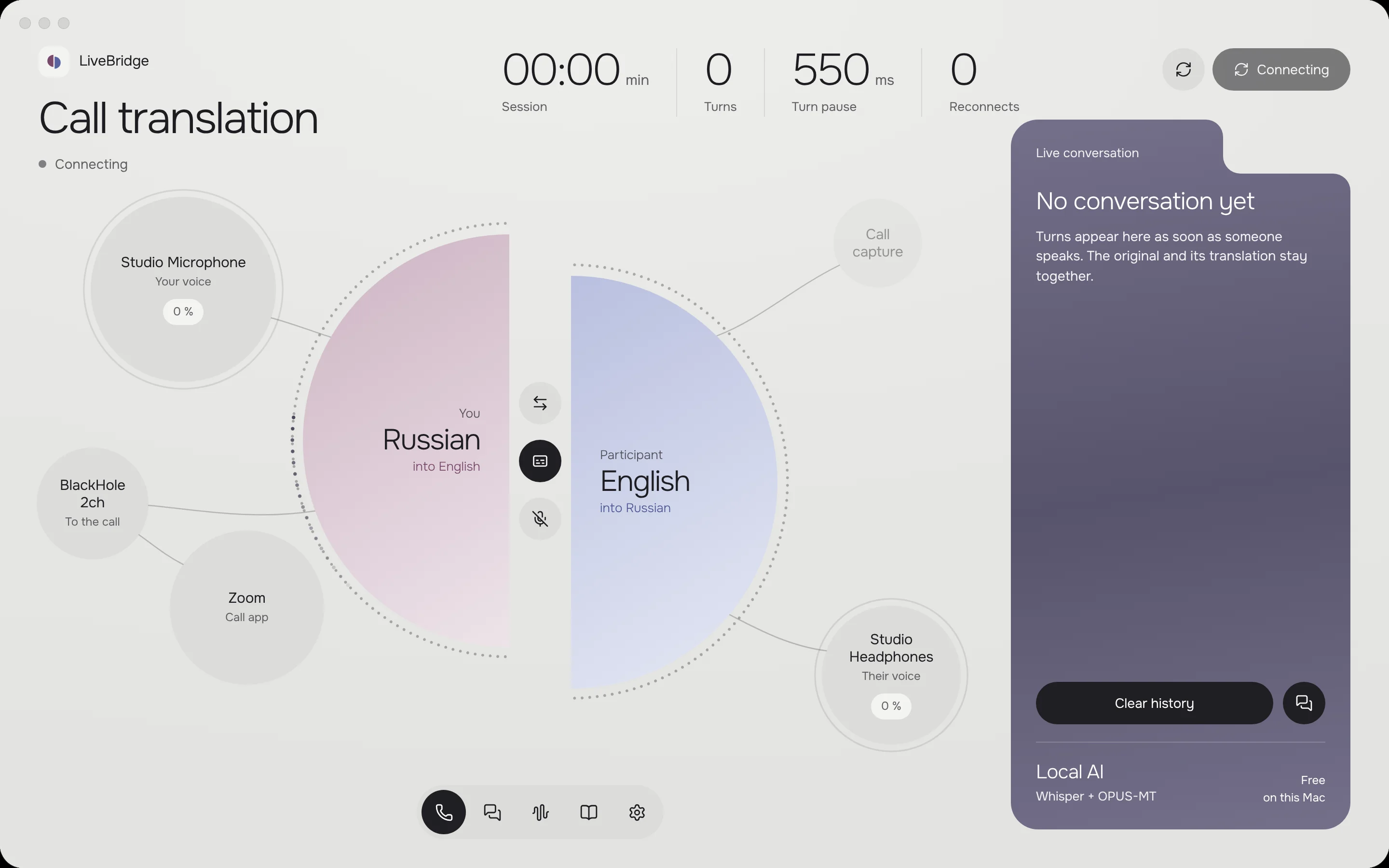
From setup to a live call

Audio setup with microphone, headphones and a call application
Call interface ready to start translation
Connecting the call translation session
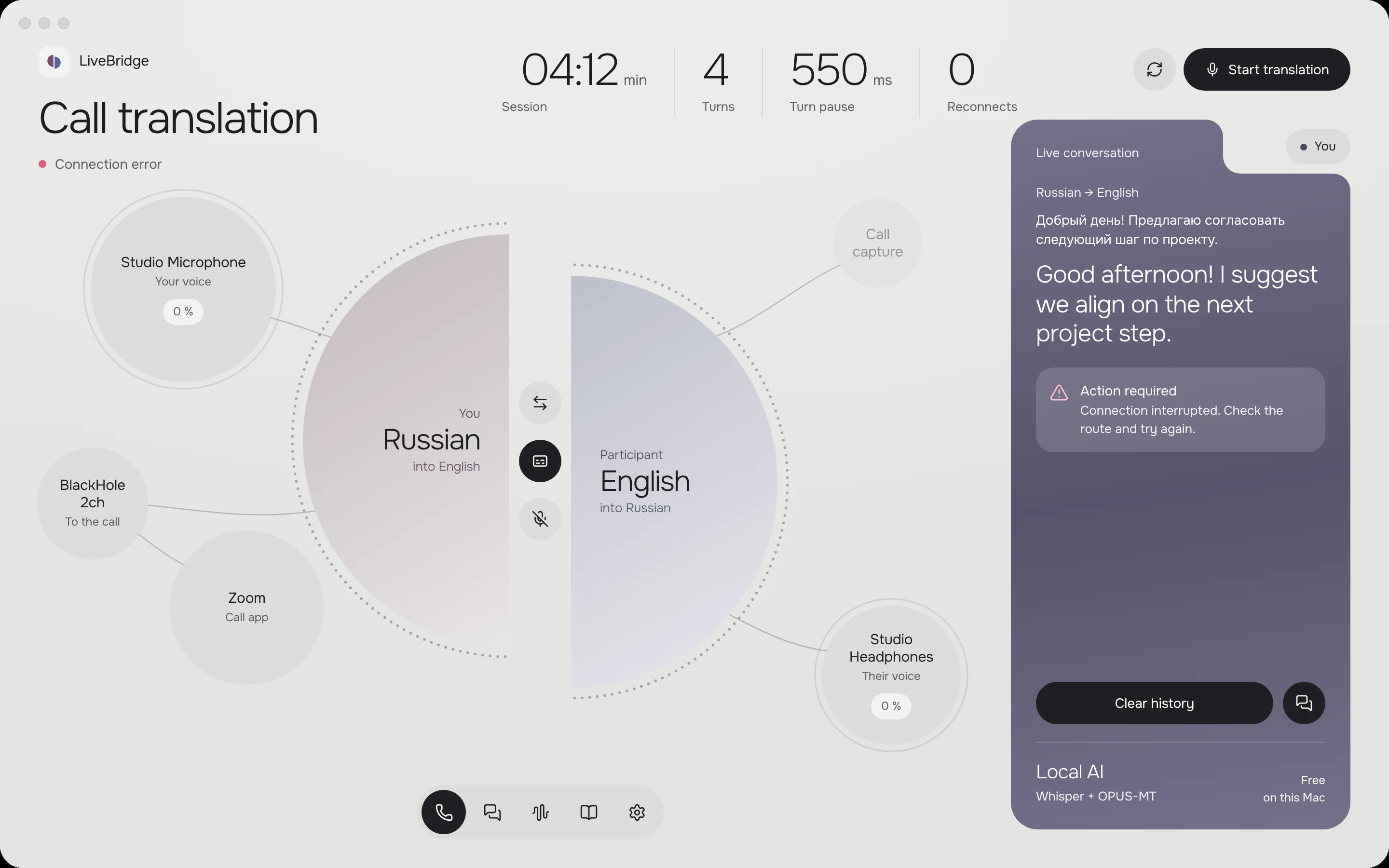
Connection error with an option to try again

Beyond the call

Conversation mode puts both translation directions side by side. Voice Studio offers a separate space for a reference recording and voice preview.
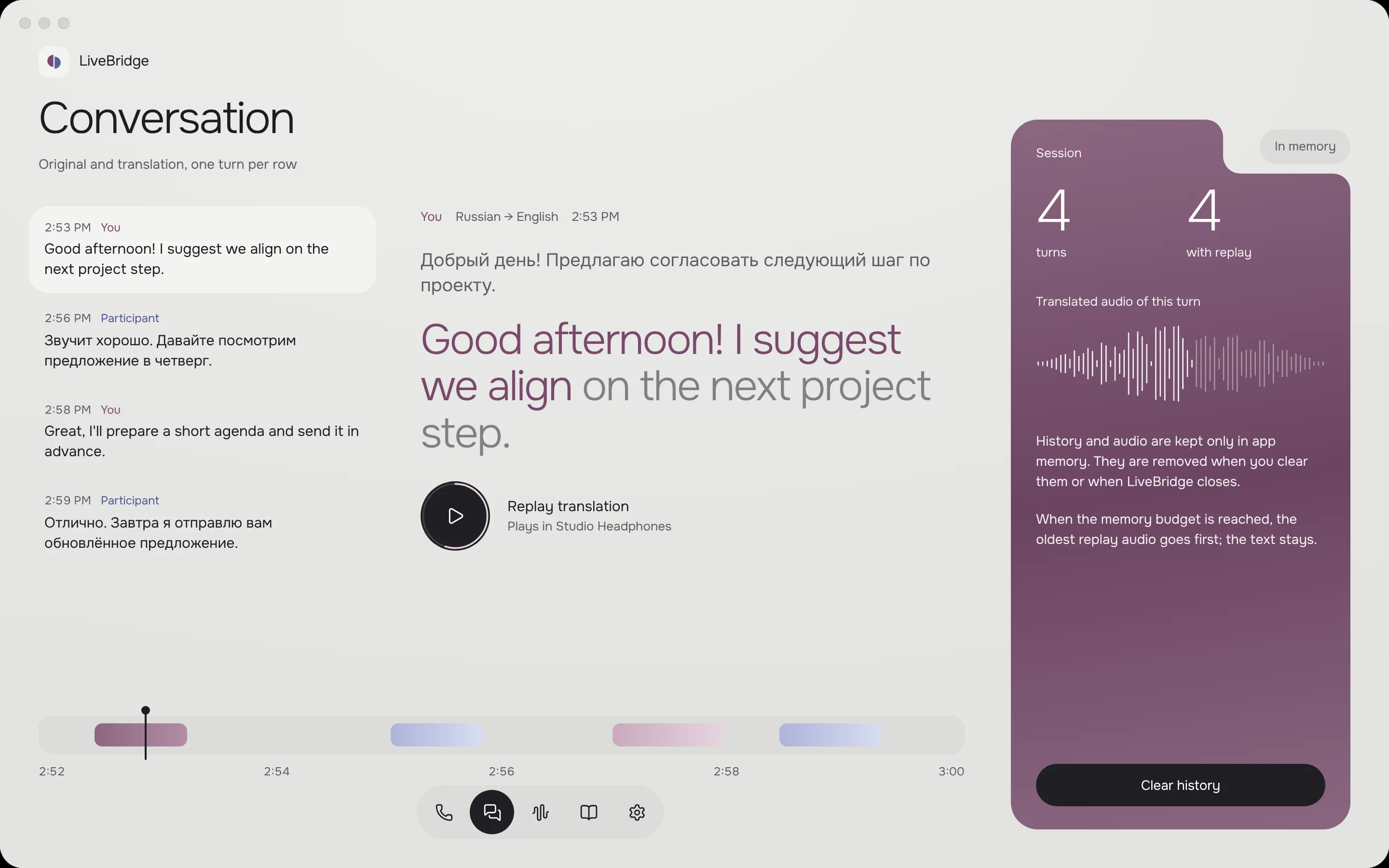
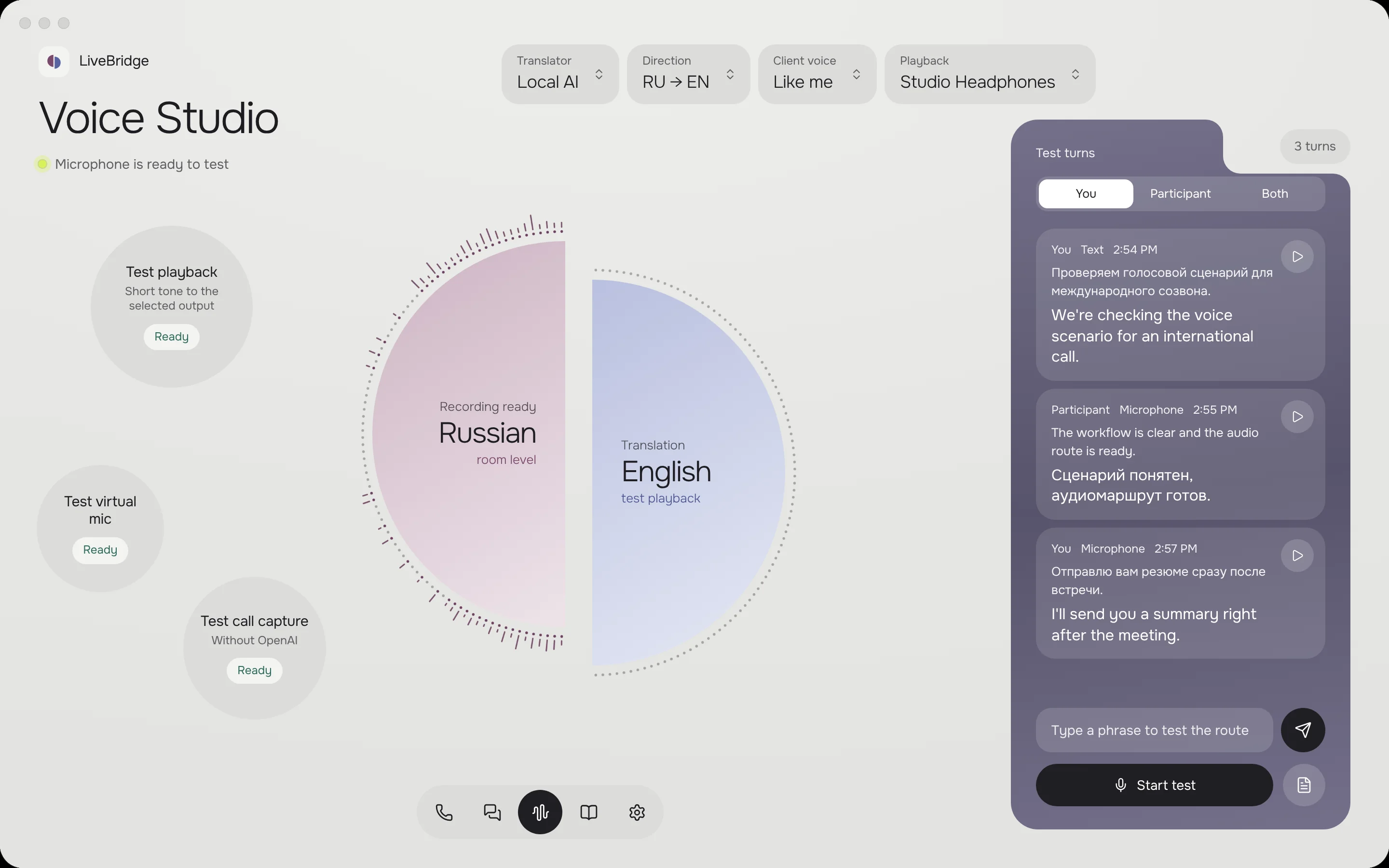
Face-to-face conversation with two translation directions
Voice Studio with a reference recording and translated voice preview

Choose the voice. Keep the meaning.
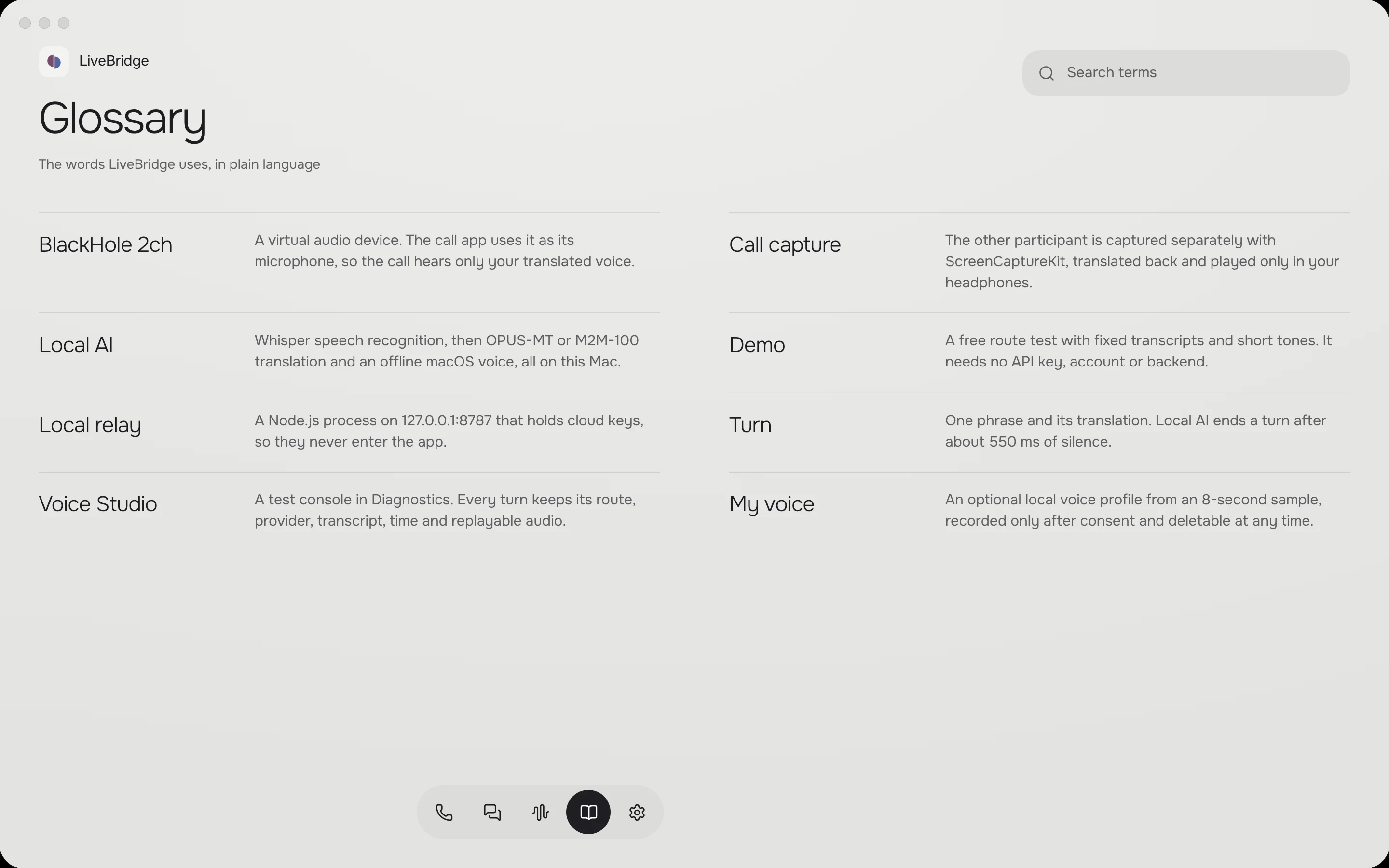
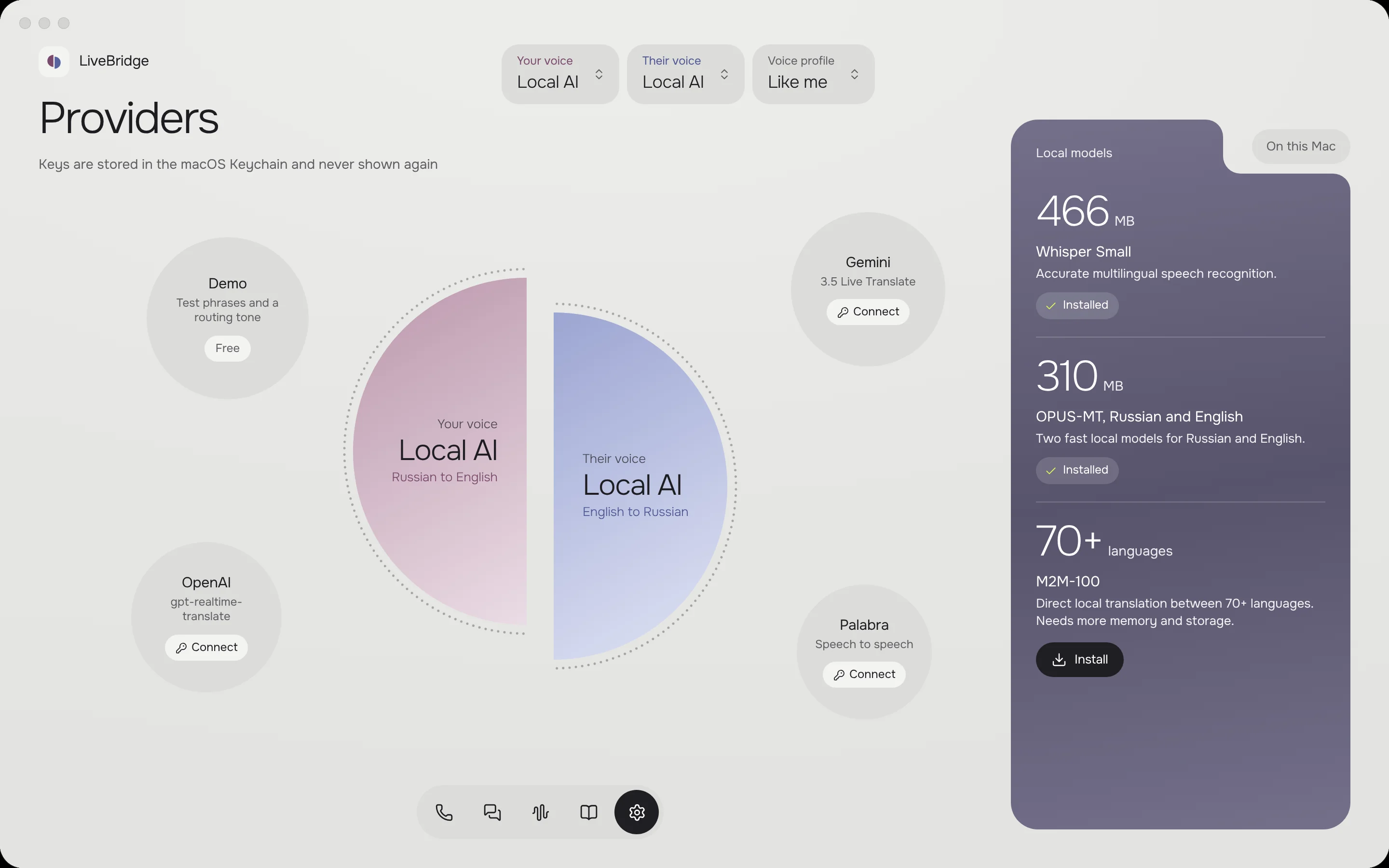
Provider settings with local and cloud options
Glossary settings for names, terms and preferred translations

How the two directions connect

The product website
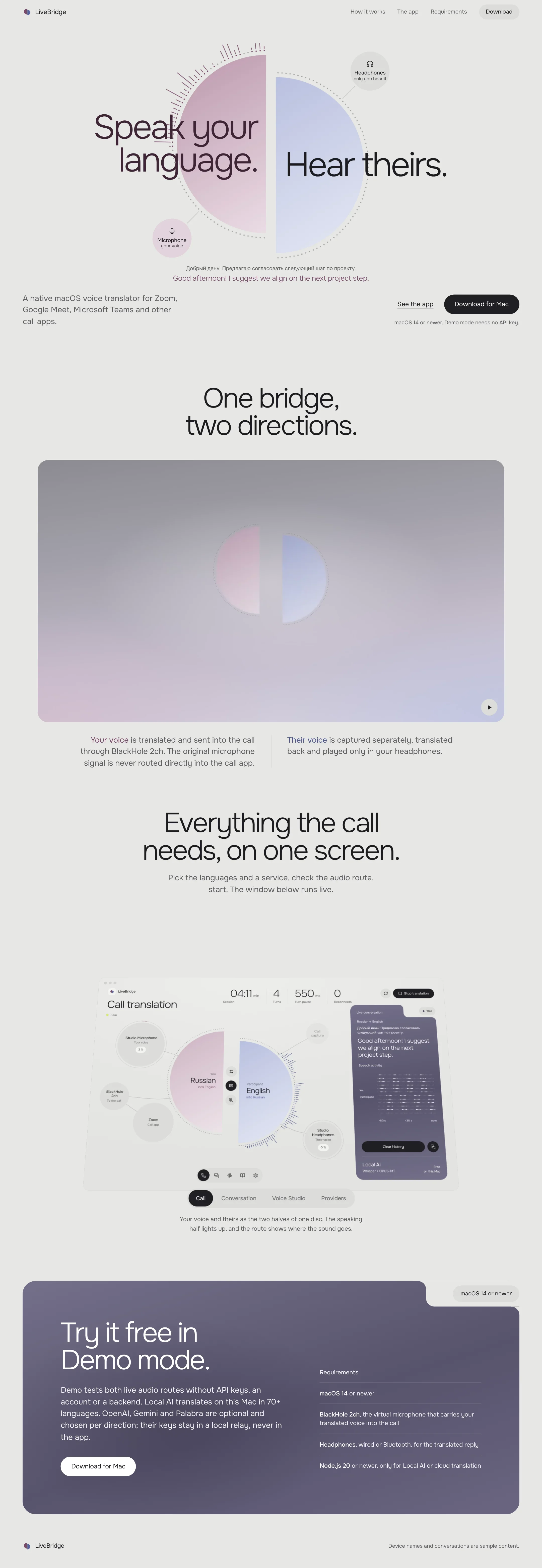
Complete LiveBridge desktop website, from introduction to footer
Complete LiveBridge mobile website, from introduction to footer

Dmytro Dintsen
Senior product designer

Let’s make
something good.

Write on Telegram