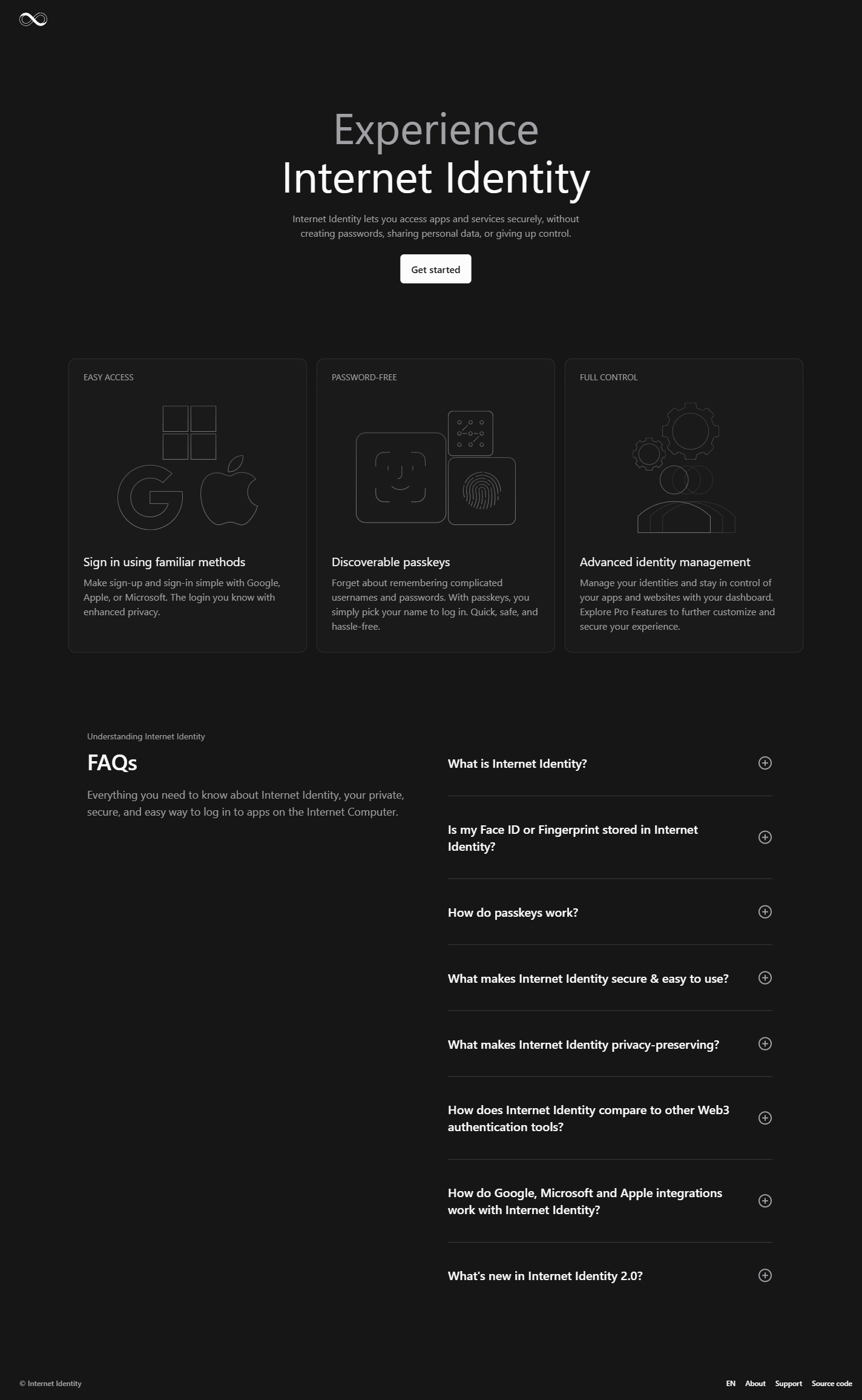
id.ai is the live redesign of Internet Identity, built with DFINITY’s UI library. The updated interface brings passwordless sign-in, identity creation and recovery into a consistent experience across desktop and mobile.
The earlier Internet Identity project was a contest redesign. It remains a separate portfolio case, including the contest win.
Live product screens captured in October 2026.
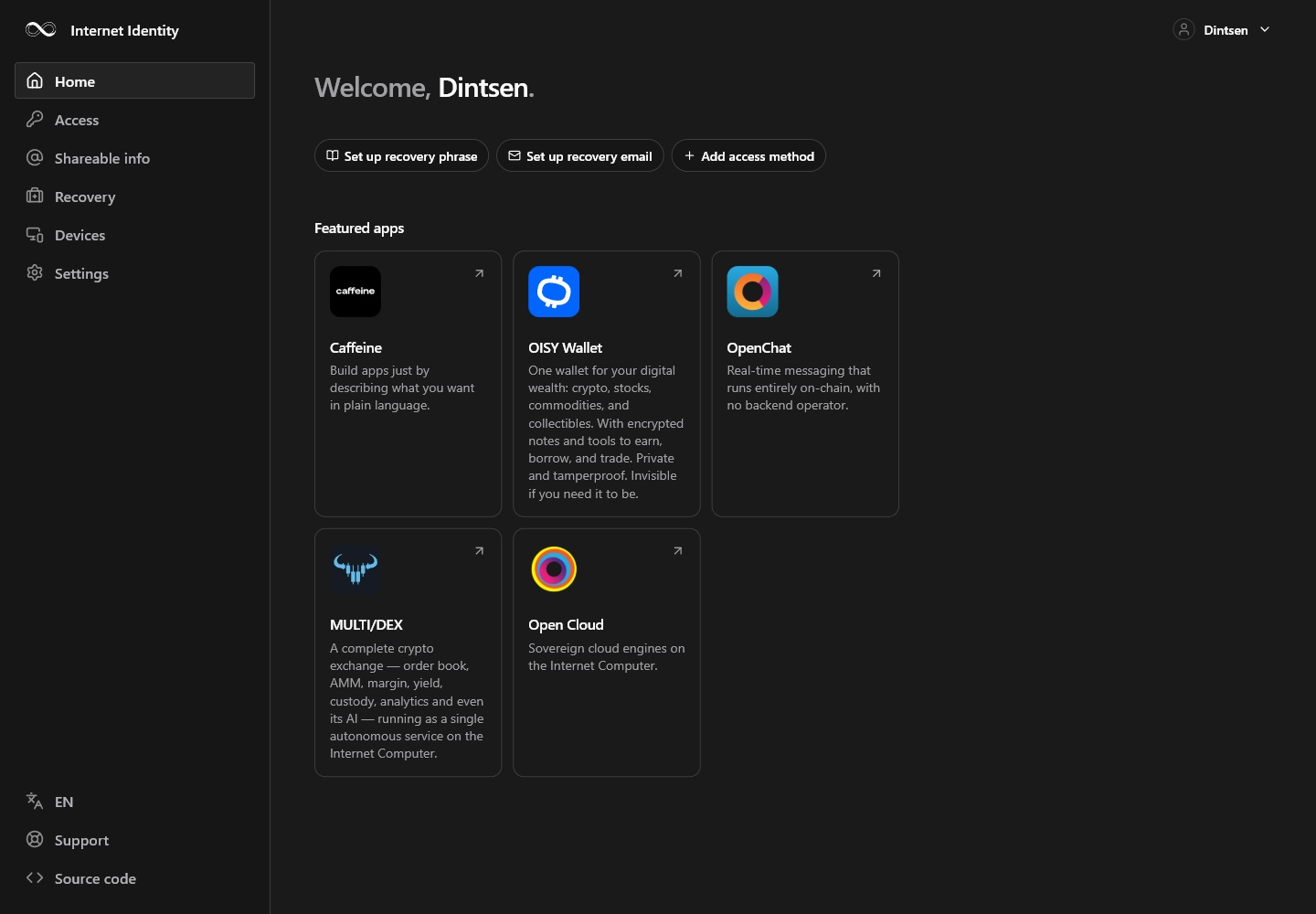
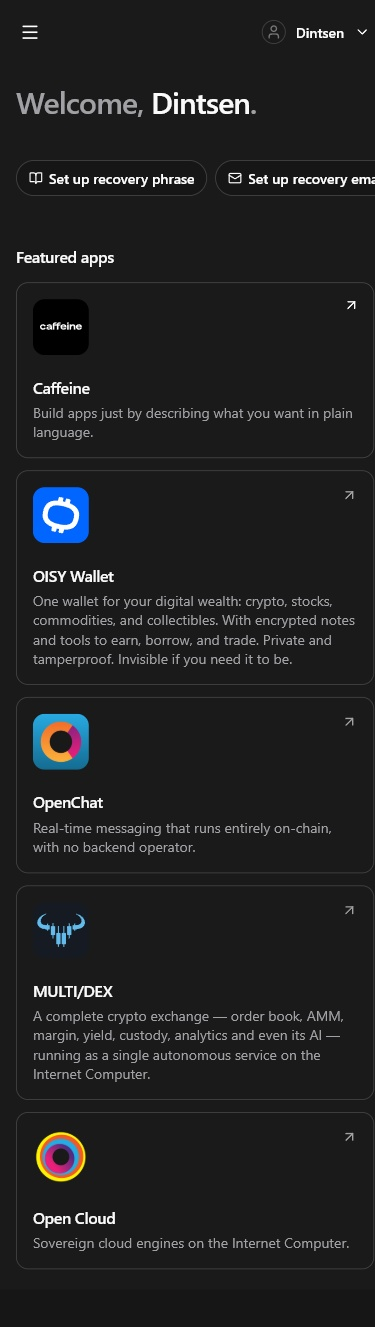
An identity hub.
The signed-in home brings access and recovery setup together, with a responsive navigation and links to apps in the Internet Computer ecosystem.
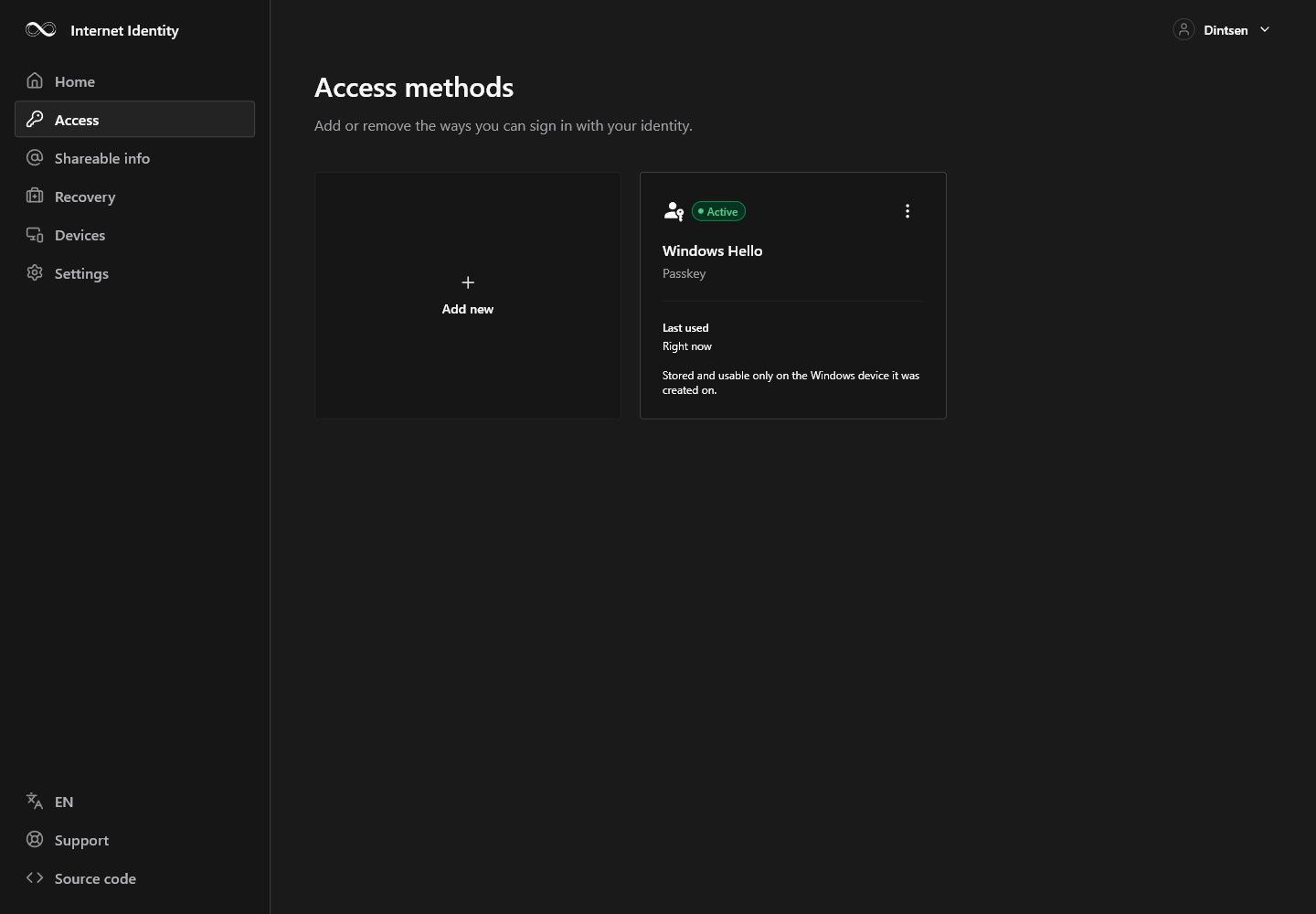
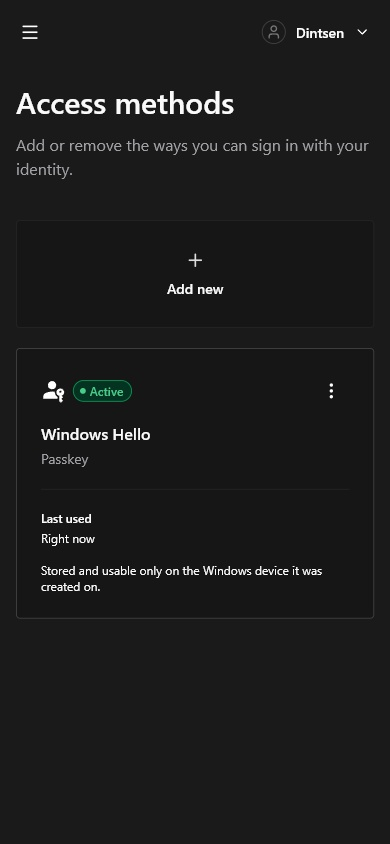
Access methods.
Passkeys and identity providers are managed from the Access section. These are real signed-in screens of the current product.
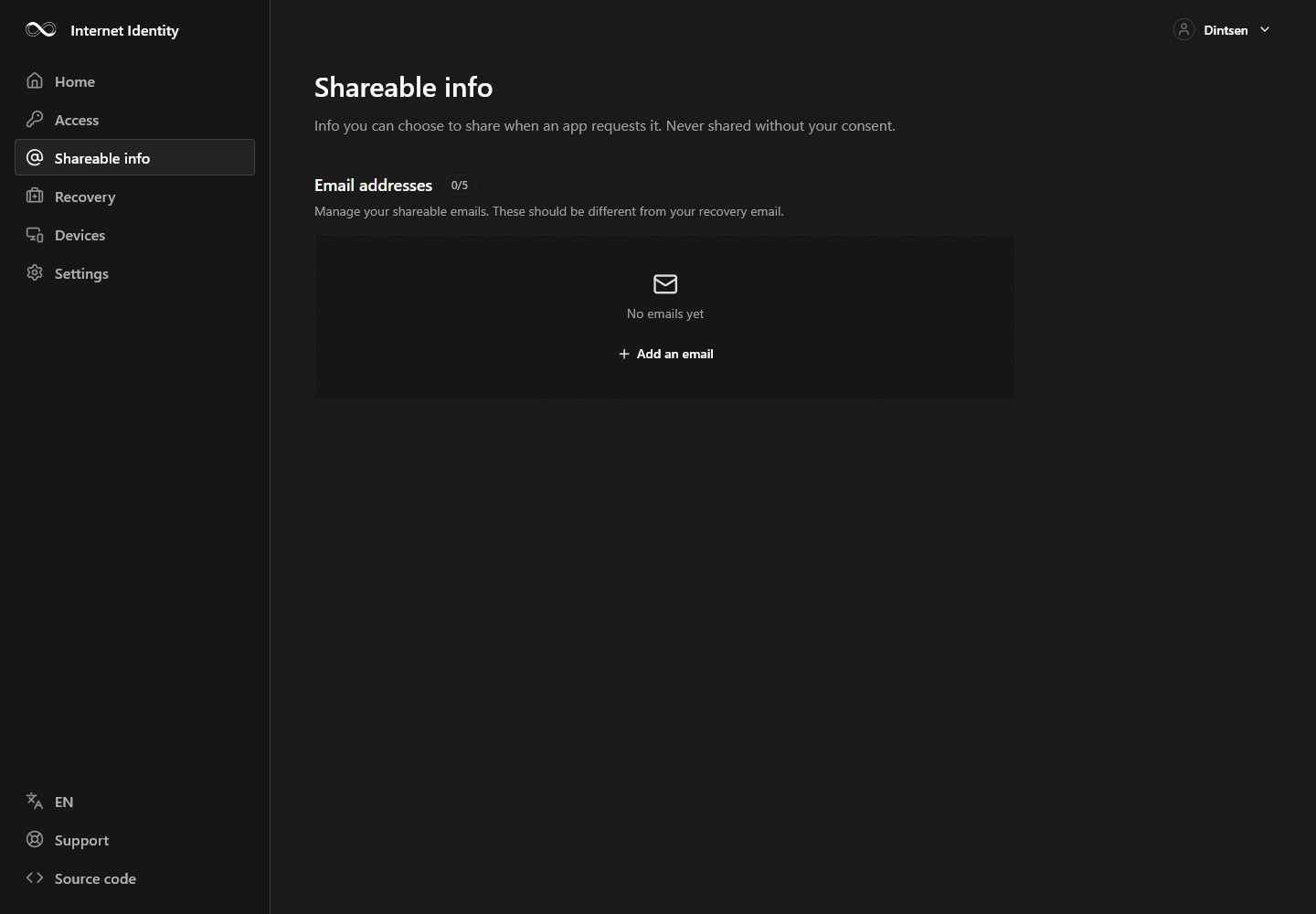
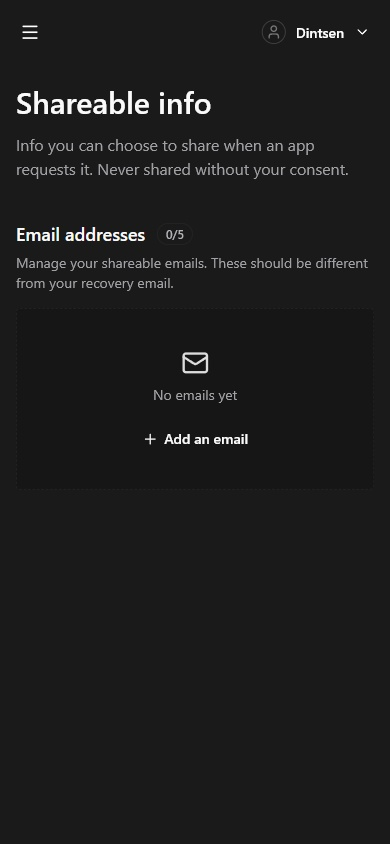
Shareable information.
The current Shareable info section gives identity information a dedicated place within the account.
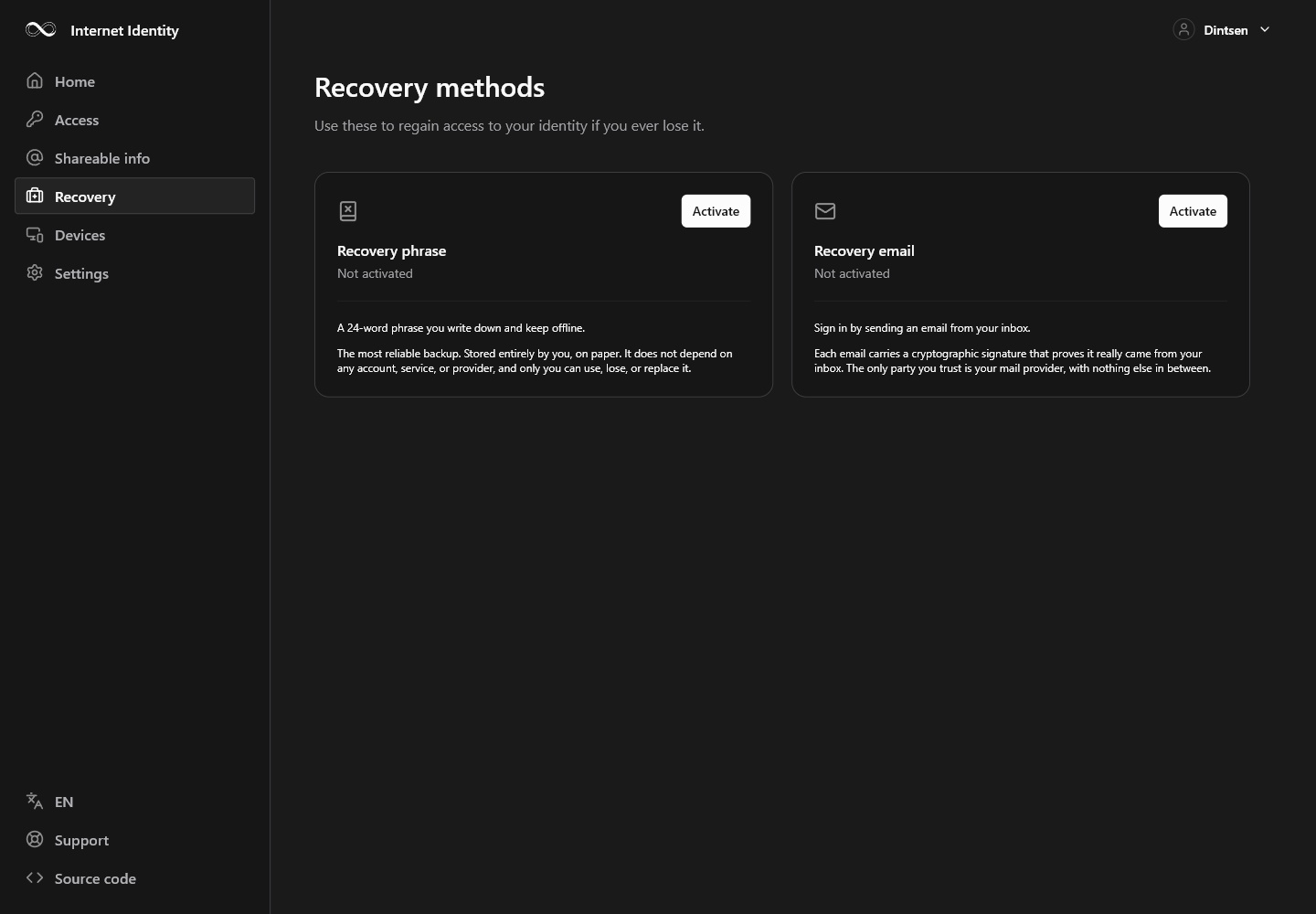
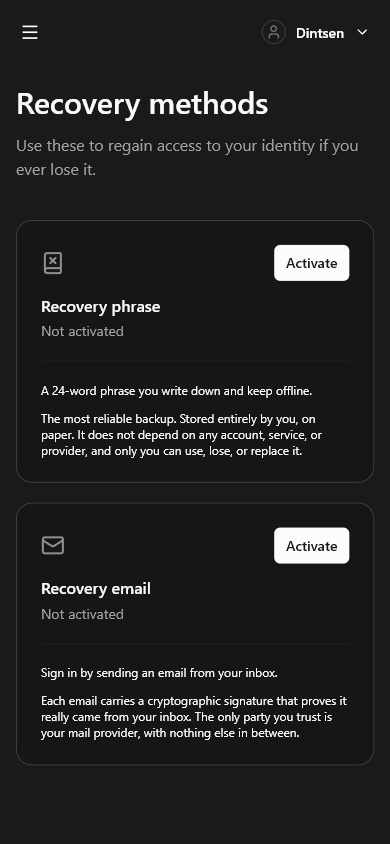
Recovery setup.
Recovery methods are managed within the signed-in account. These captures show setup controls without revealing a recovery phrase.
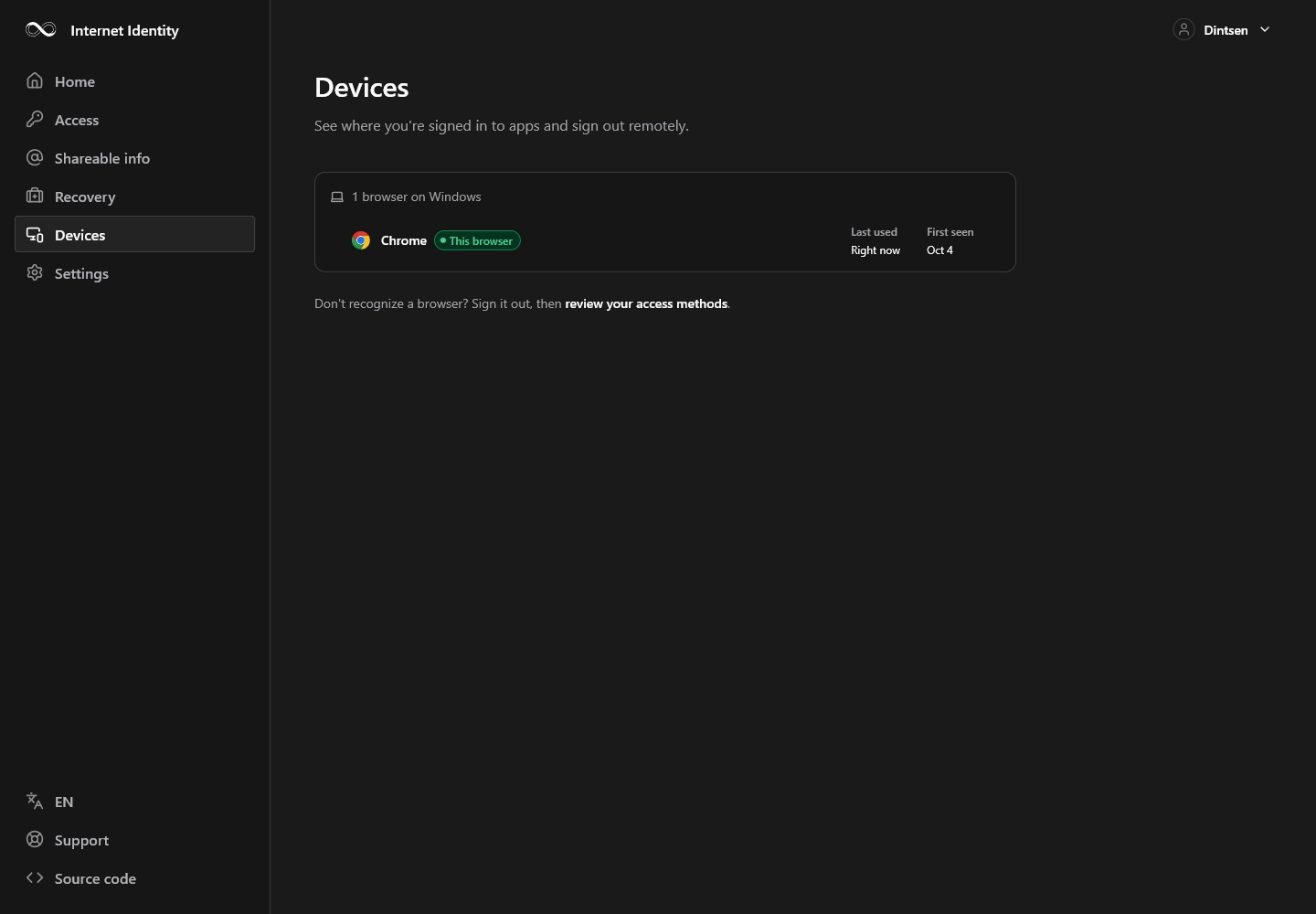
Devices.
The Devices section puts device access within the same management structure on desktop and mobile.

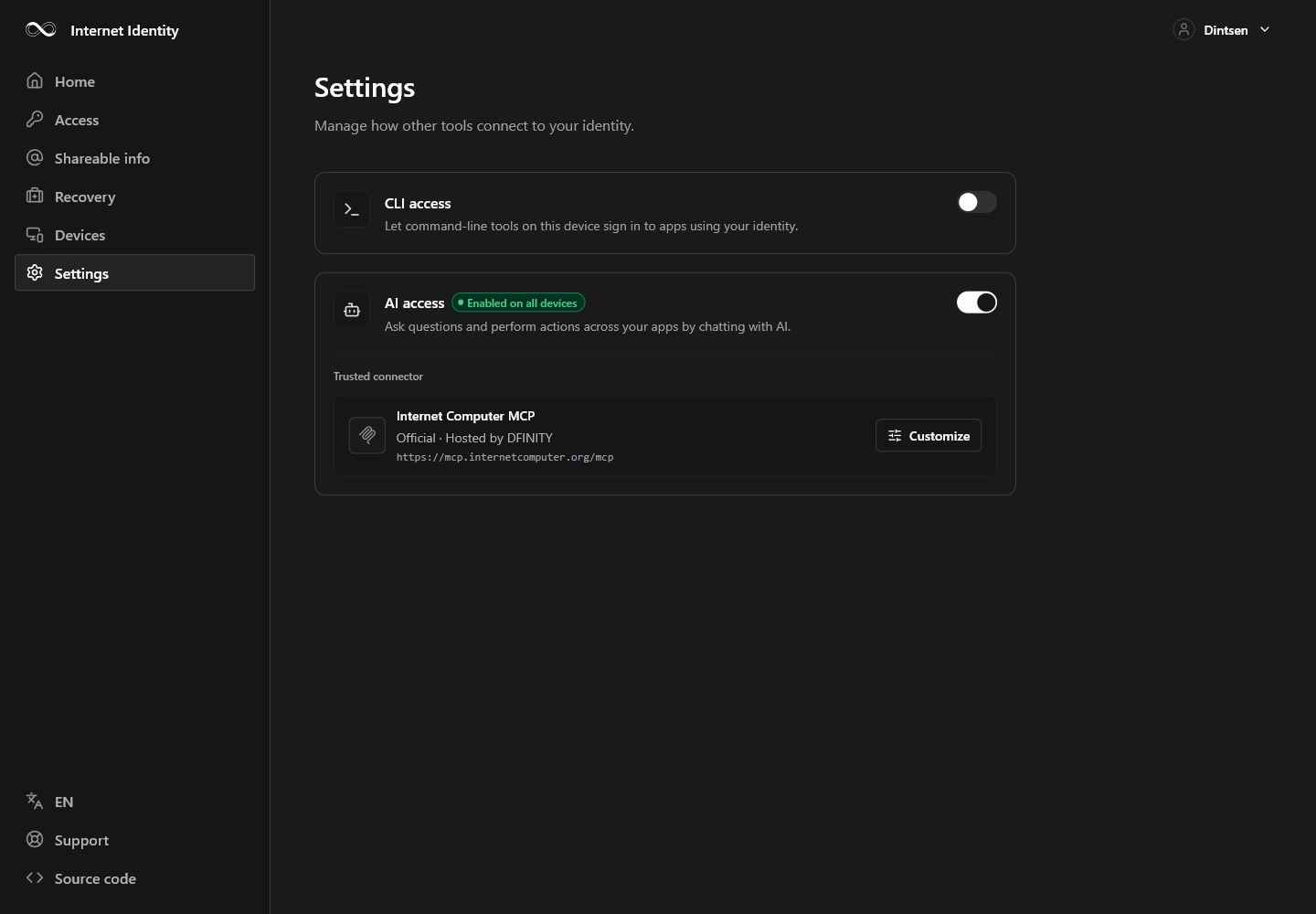
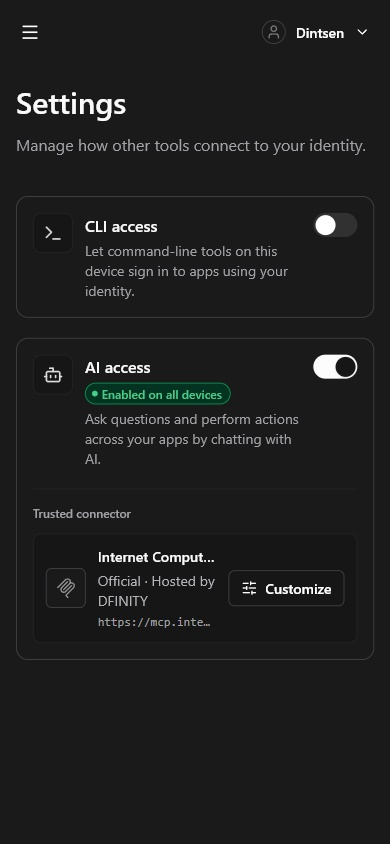
Identity settings.
Identity settings complete the account-management navigation. The captures preserve the actual available state.
One place to sign in.
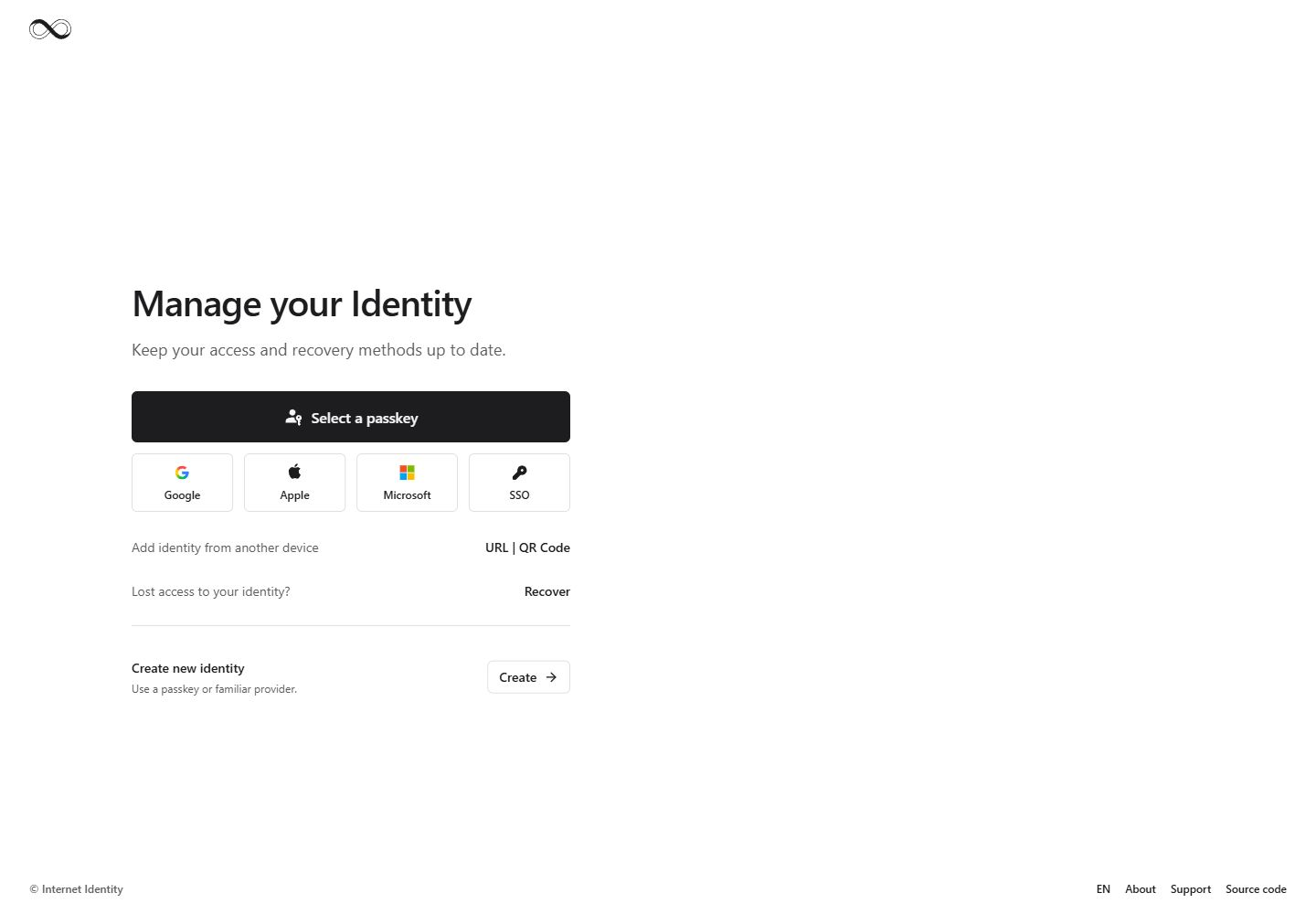
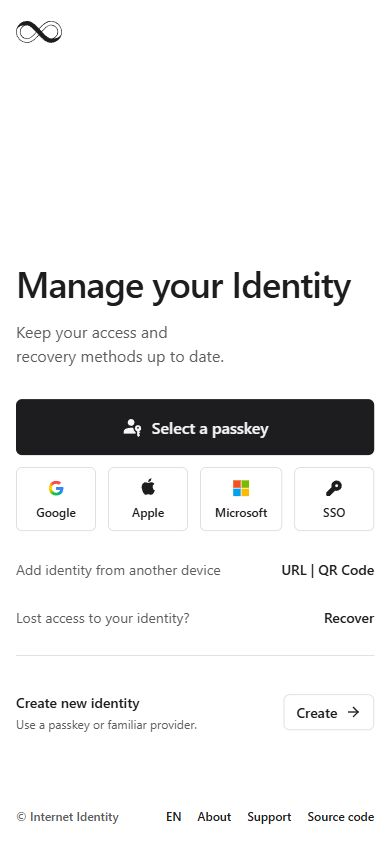
The current entry screen puts passkeys alongside Google, Apple, Microsoft and SSO. Access from another device and recovery remain visible at the same starting point.
Choose how to begin.
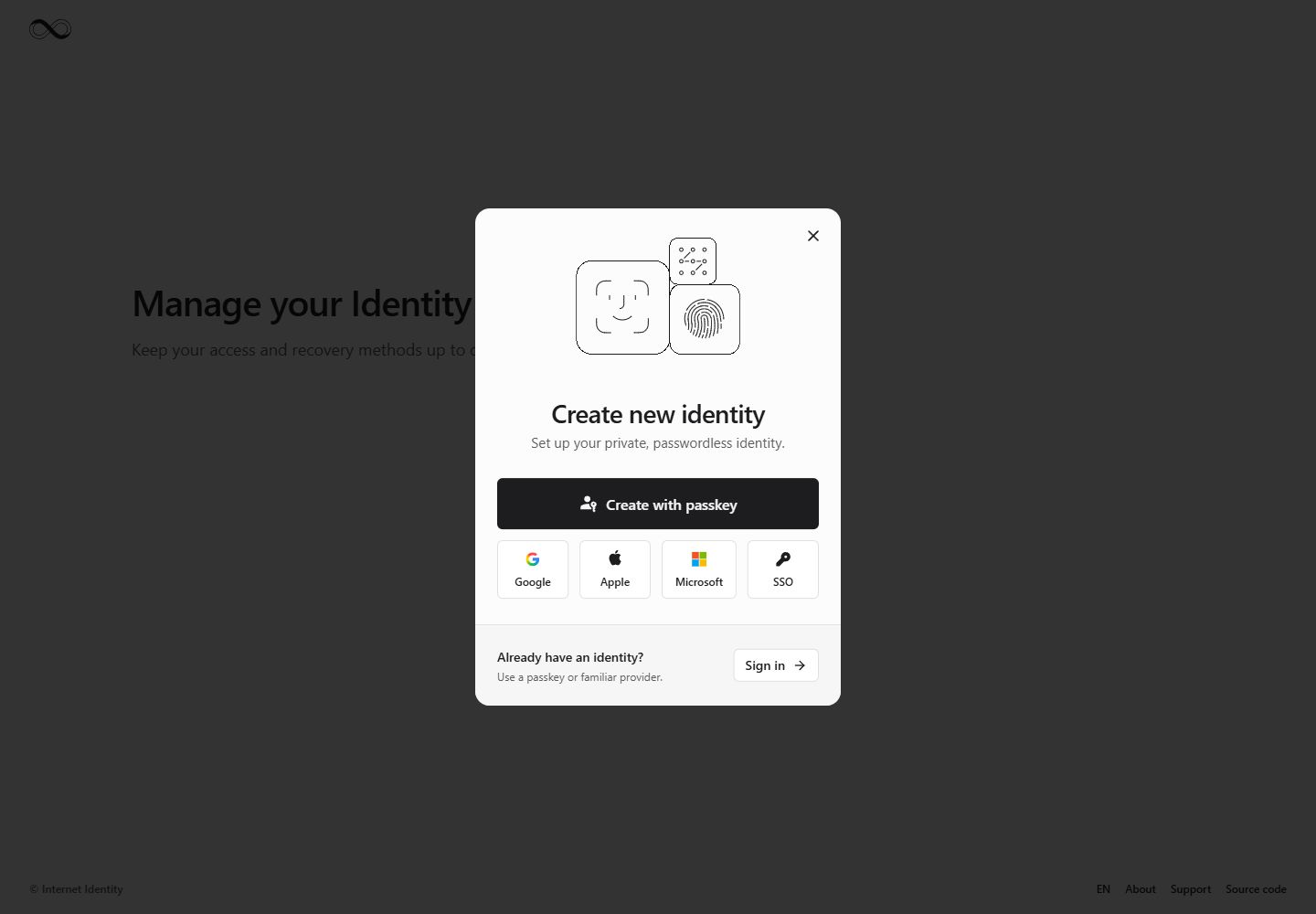
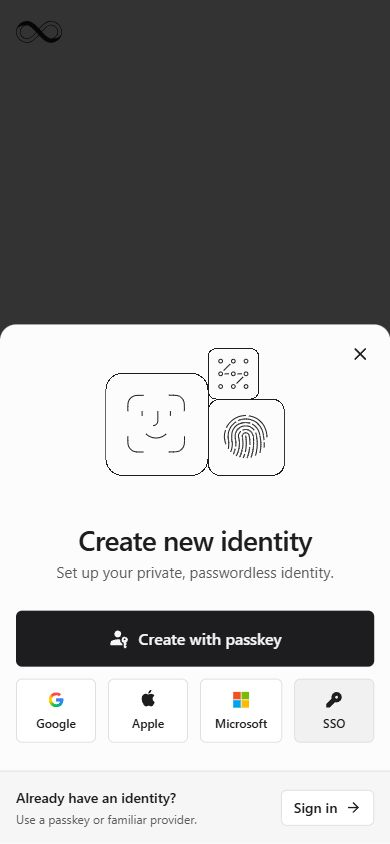
Identity creation offers a passkey or a familiar provider. The desktop dialog adapts to a focused bottom sheet on mobile.
A way back in.
Recovery starts with a clear choice: a recovery phrase, a registered recovery email or a legacy identity number.
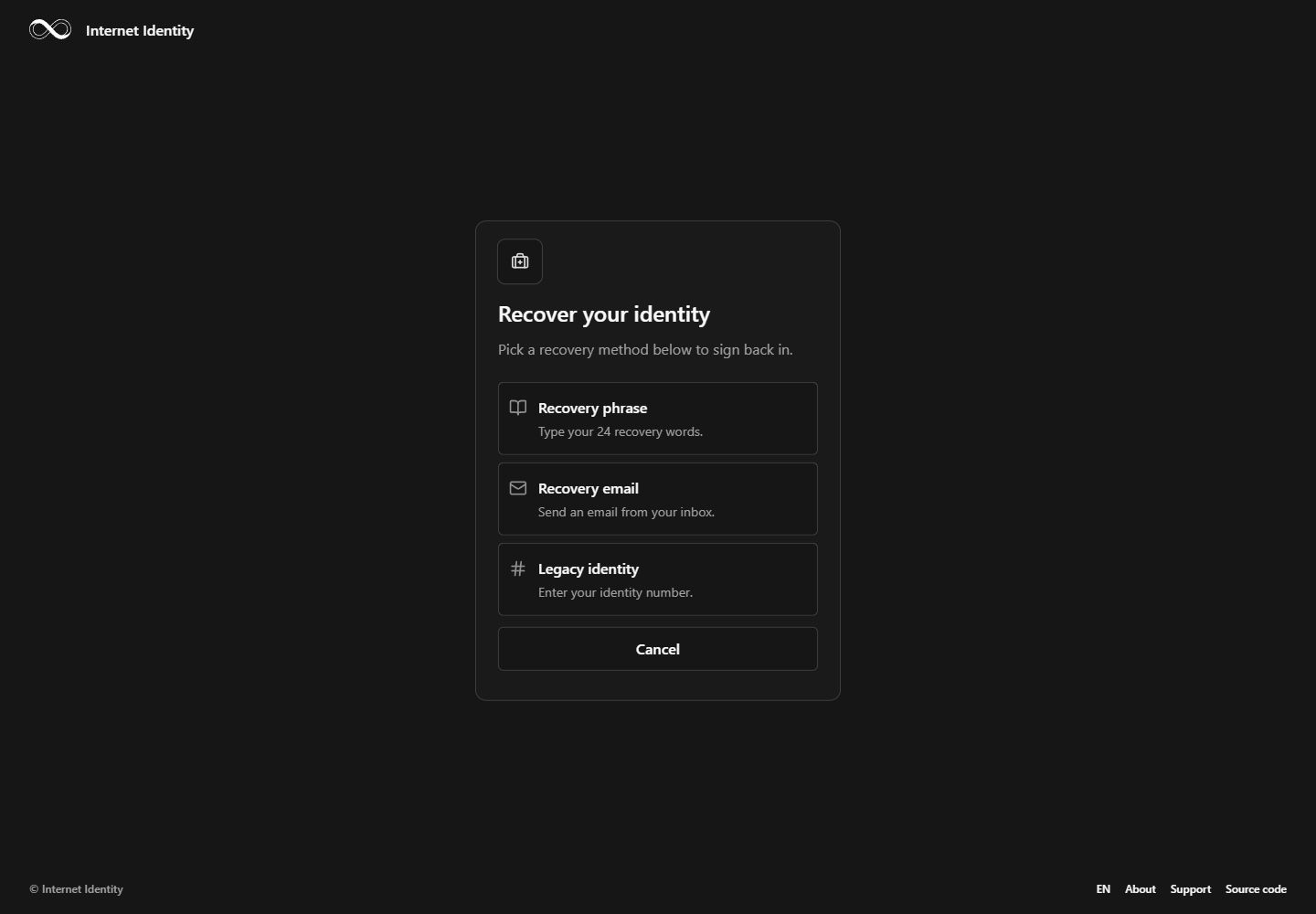
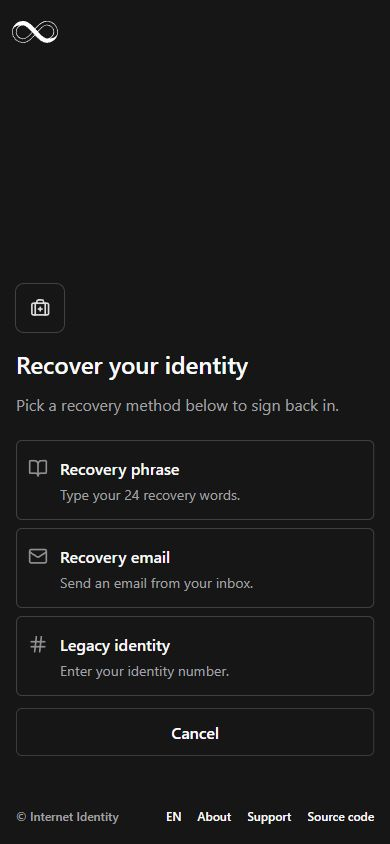
Recovery phrase.
The phrase form provides 24 individual word fields. These captures show the empty state before any recovery information is entered.
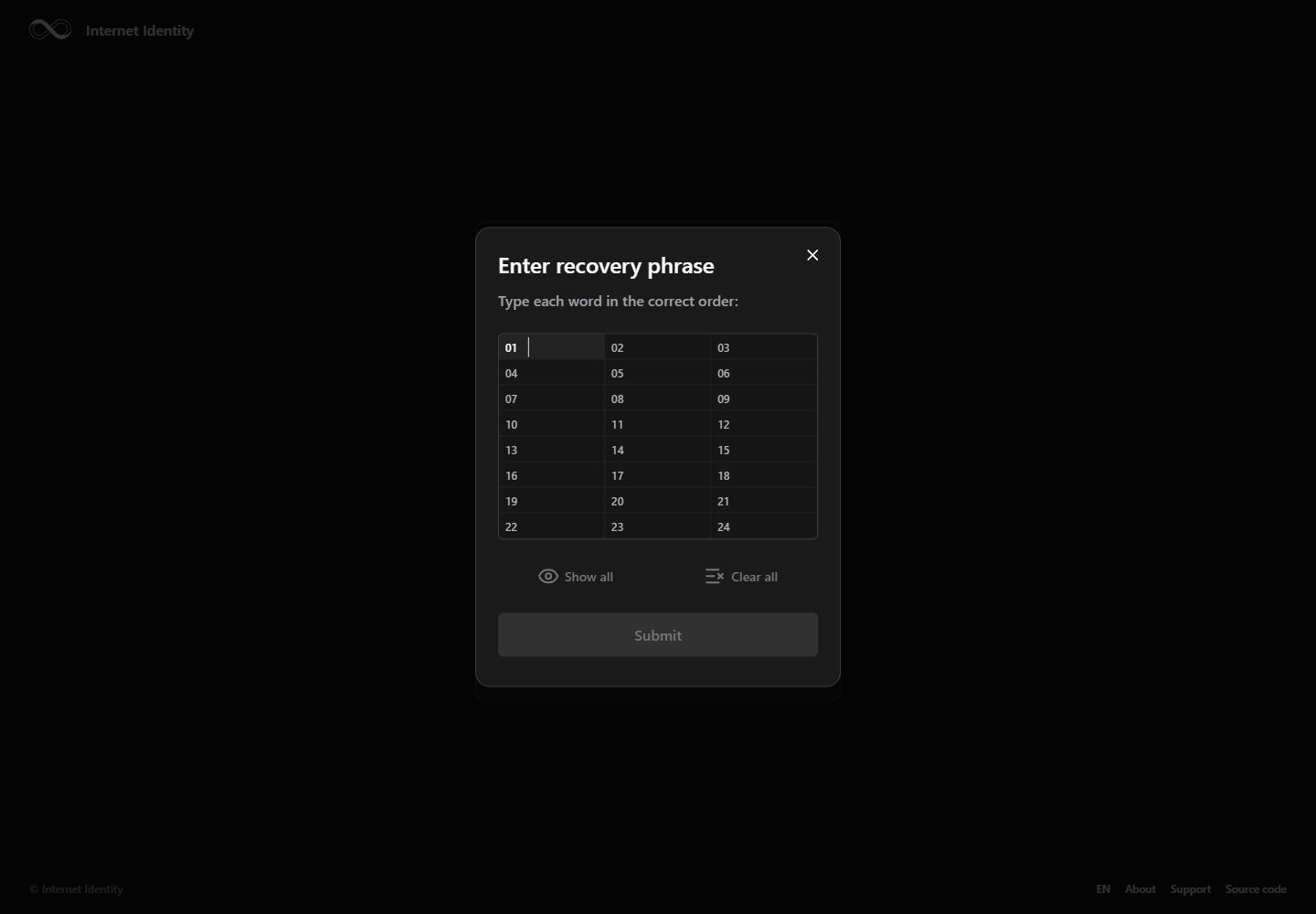
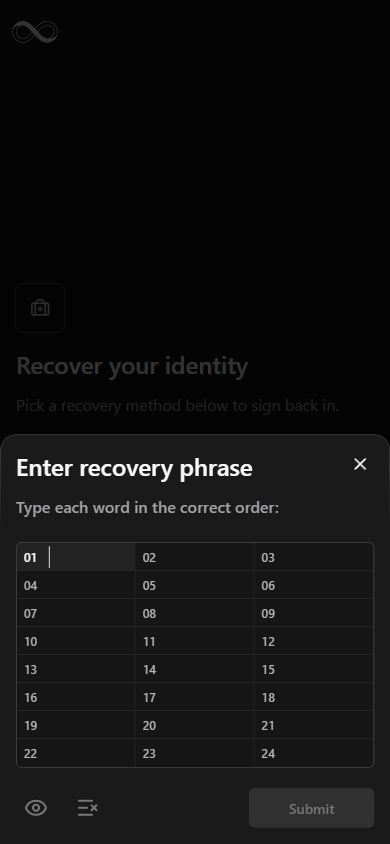
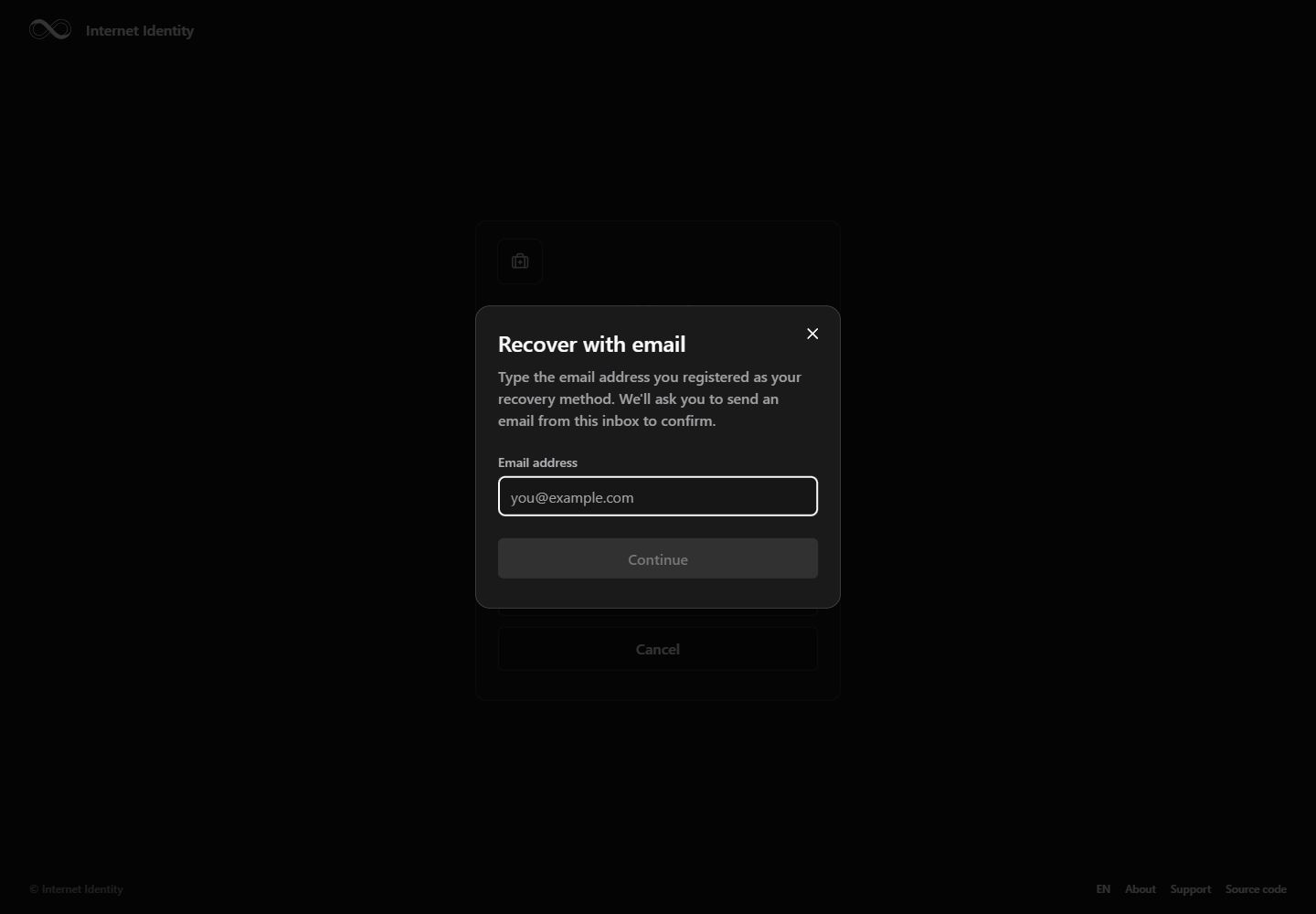
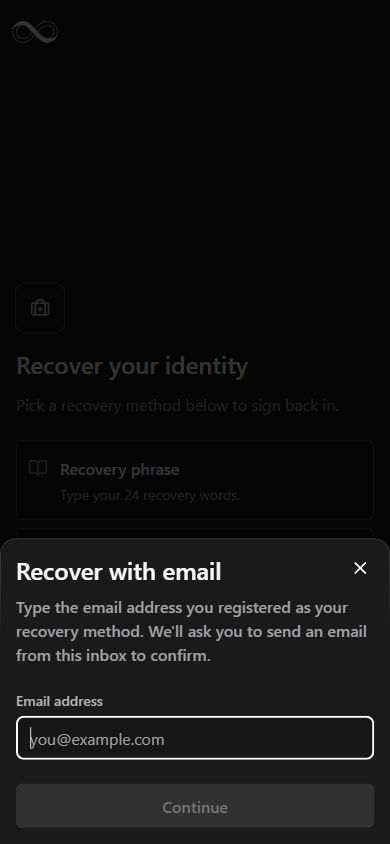
Recovery email.
The email form explains the inbox confirmation step before asking for the registered address. These captures show the empty entry form.
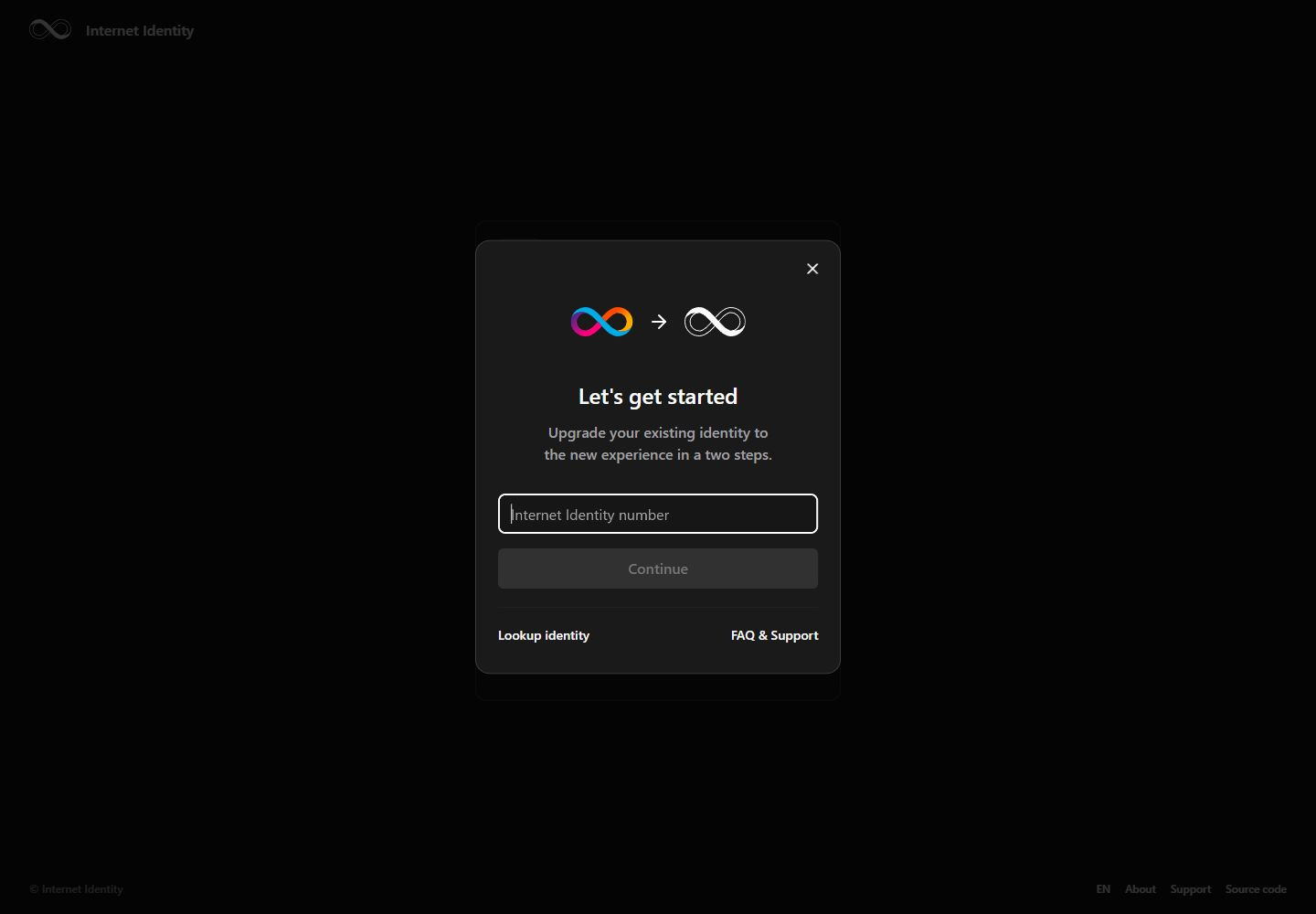
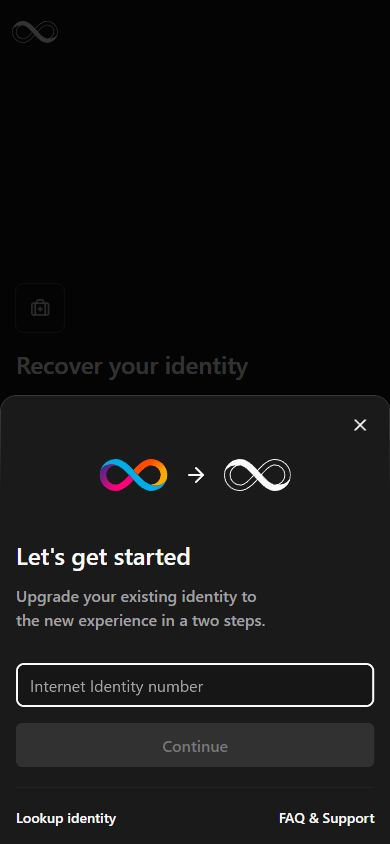
Bring an existing identity forward.
Legacy identities begin with their identity number. The upgrade entry links to identity lookup and support.
Explain the product.
The About page introduces privacy, sign-in methods and identity management. A responsive FAQ gives these unfamiliar ideas a place within the product itself.